
Boost
OVERVIEW
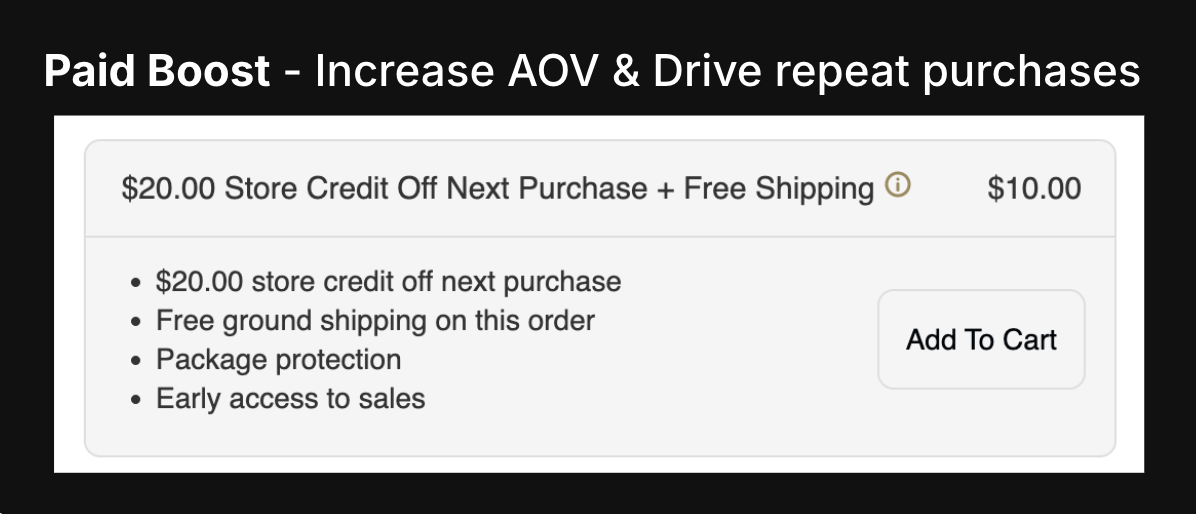
This article covers the integration between Loop and Boost, which redefines the e-commerce retention playbook and drives customer retention. You choose whether you want to offer your customers paid or free Boost and can customize the benefits based on your goals.
$ Boost offer → Discount code for next purchase
Free shipping
Plus a suite of custom benefits that can be created with customer tags
How it works
Paid Boost:
Boost is presented as an option at checkout or cart
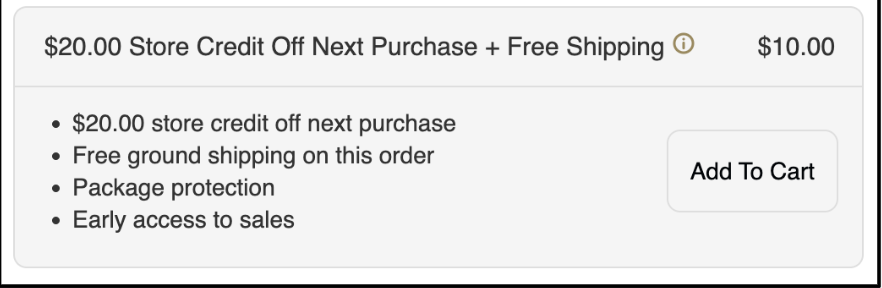
Customer opts-in & receives free shipping
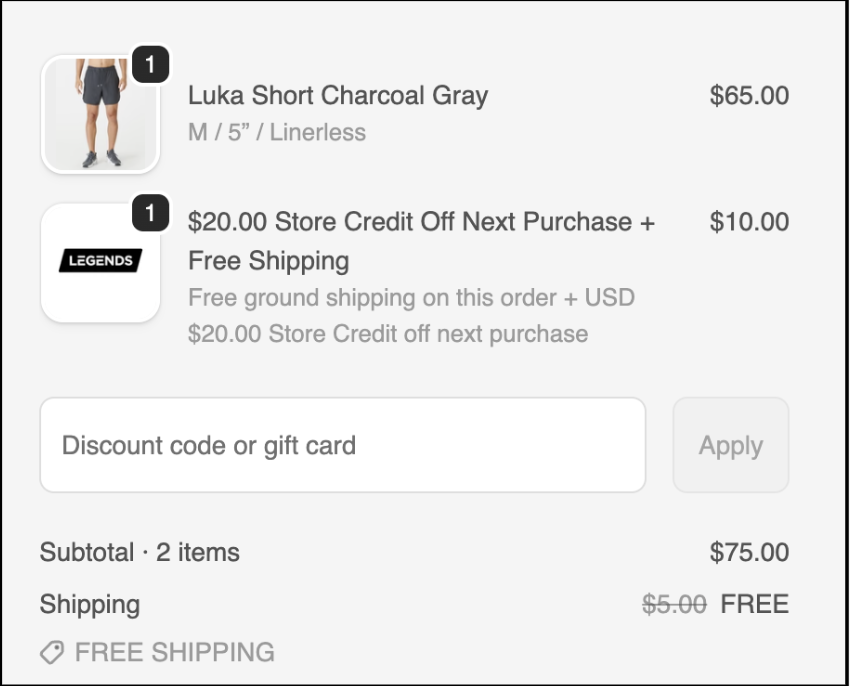
Customer offer via email & on wallet on website
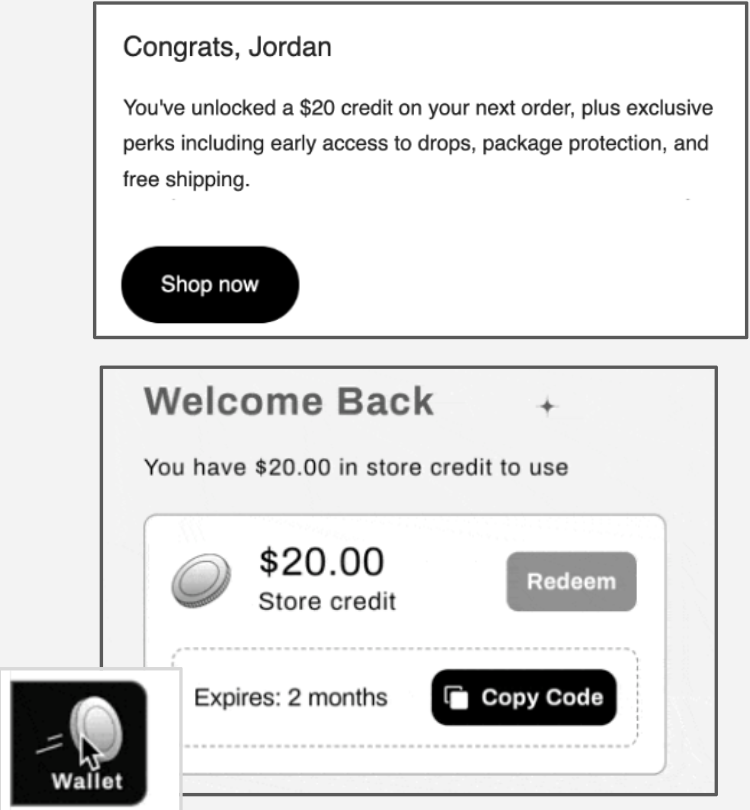
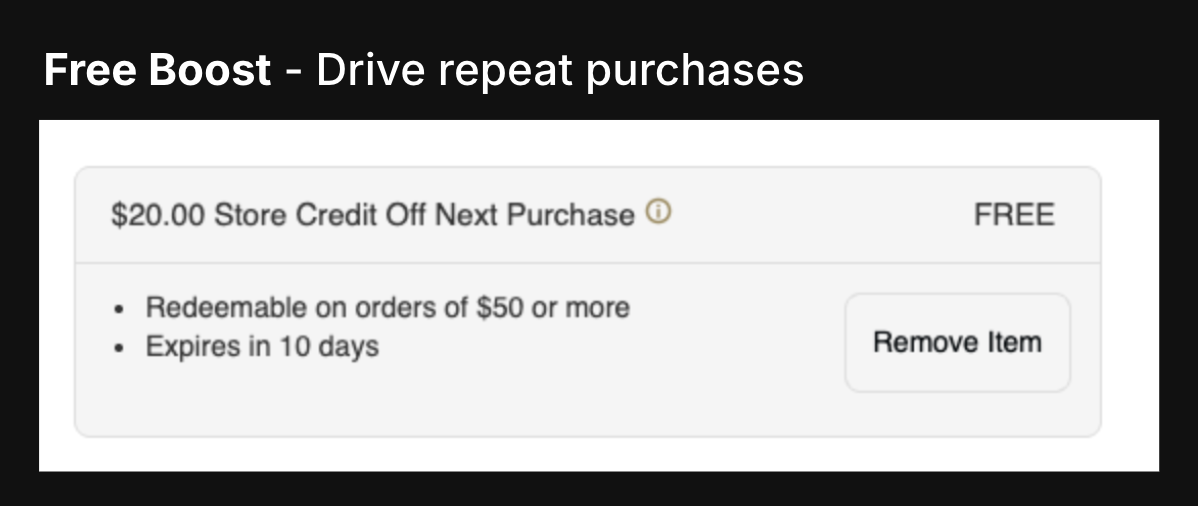
Free Boost:
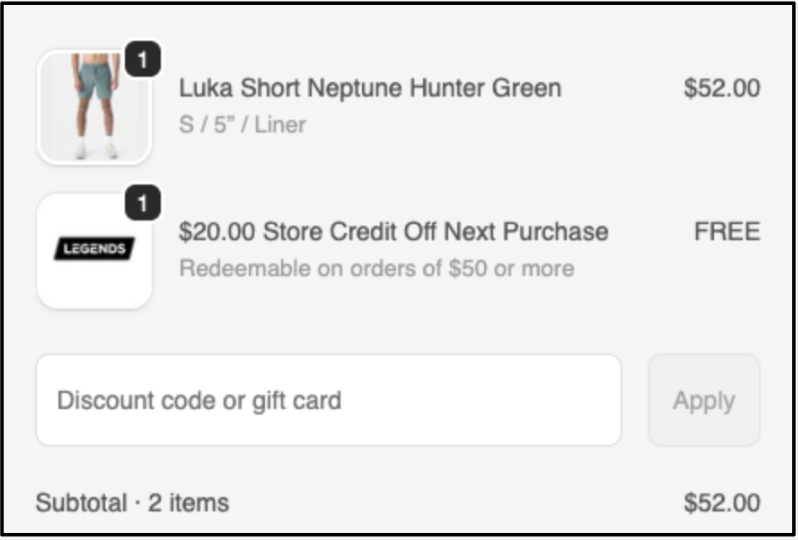
Boost automatically added to cart since it is Free
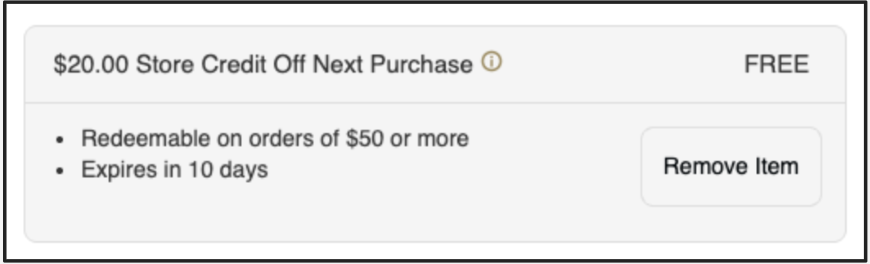
Customer still has option to remove even though it’s Free
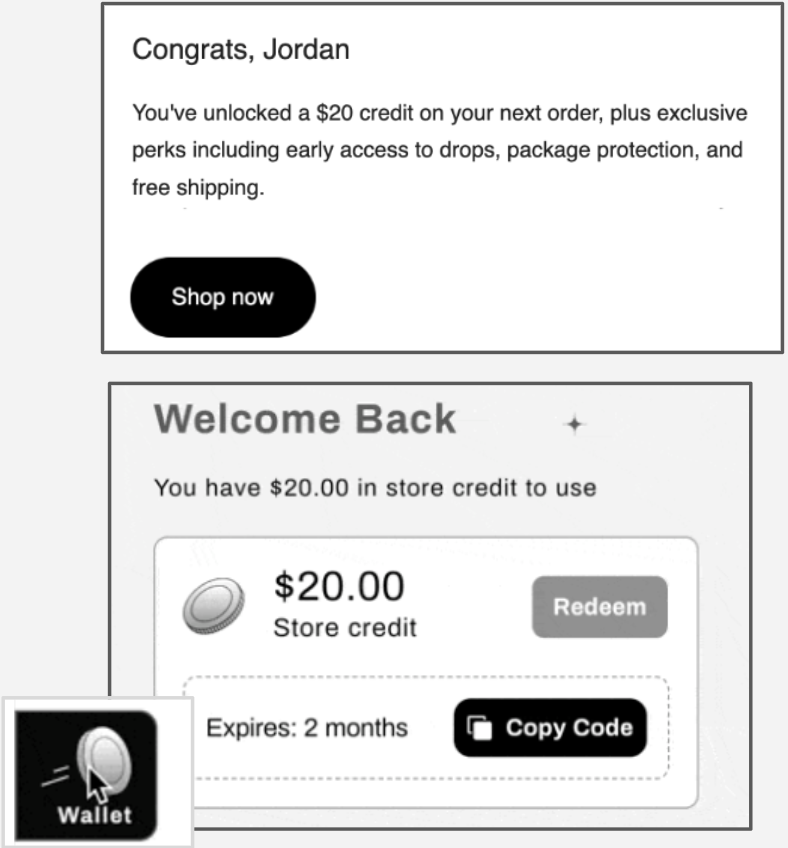
Customer offer via email & on wallet on website
Setup
Install Shopify App
Configure Boost/Loot Box in Admin
Integrate with Klaviyo + Build Out Post-Purchase Flows
💡Find our Detailed Klaviyo Integration Guide here!
Troubleshooting / FAQs
How do I retrieve a discount code?
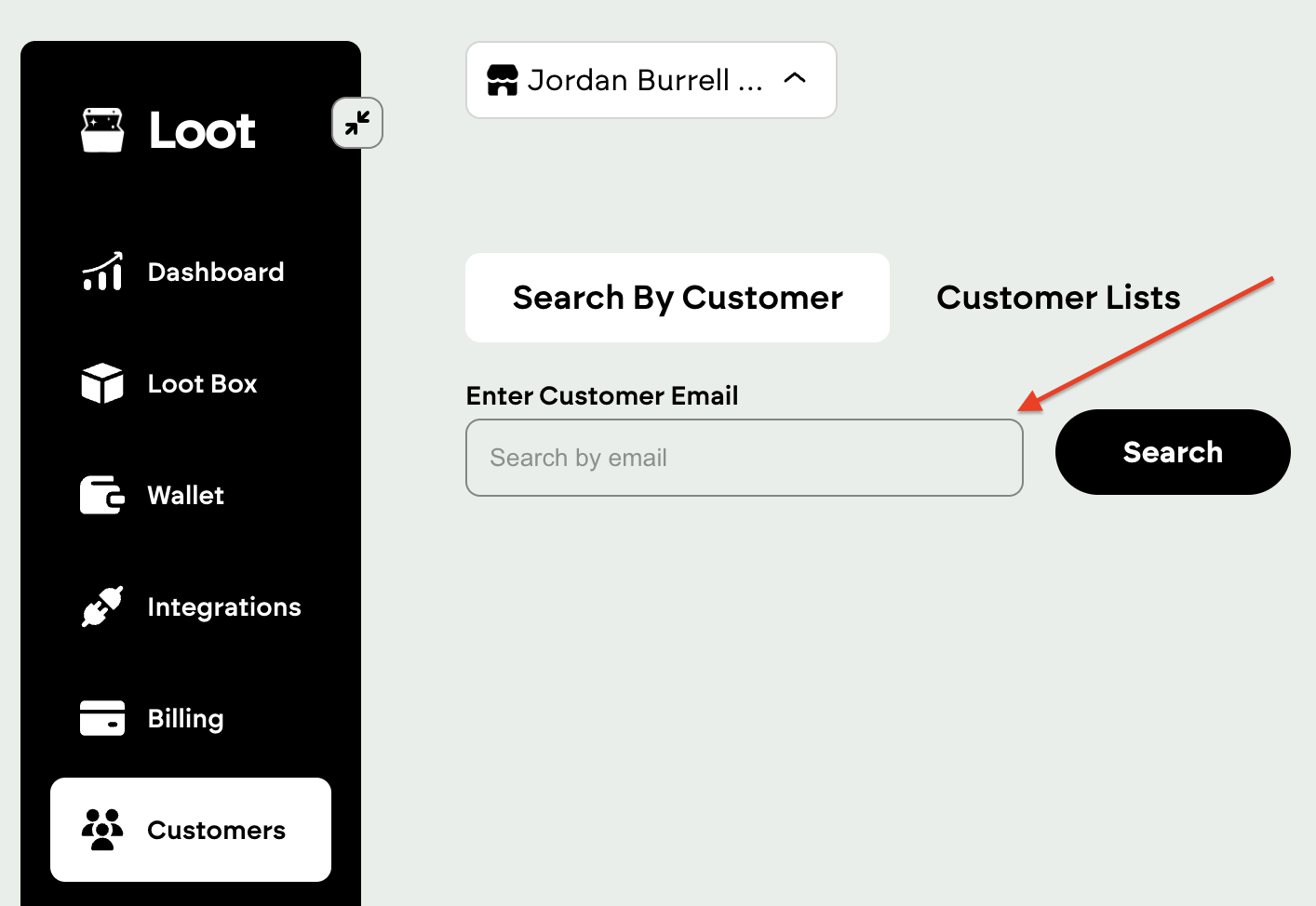
To find a discount, go to the Customers tab, then search by customer email address
The order or discount has been refunded, now what?
If discounts or orders are refunded, the discount breaks and should delete on its own. If it doesn’t delete, you can search the customer's email address and delete it manually.
We're experiencing software issues / Boost isn't working properly. What do we do?
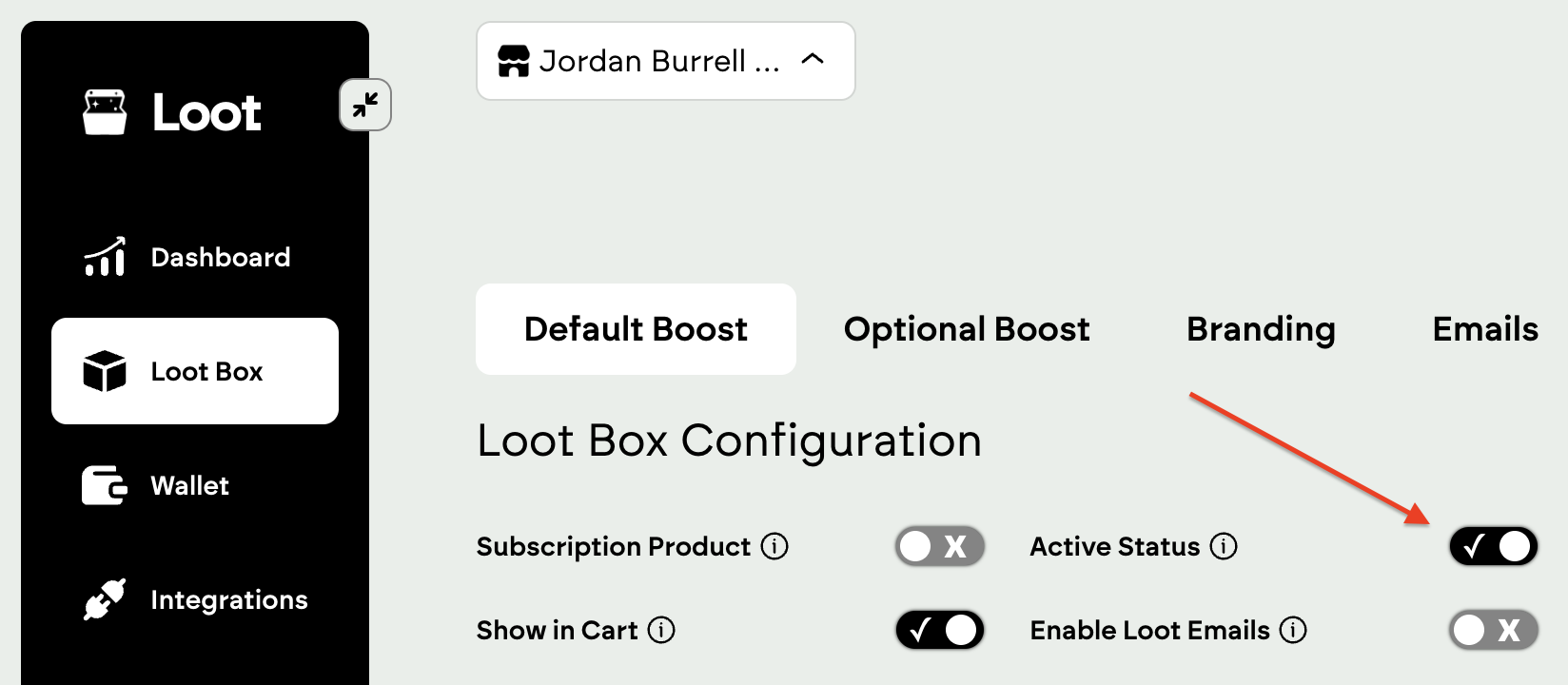
Please contact support@loopreturns.com and provide detailed context and screenshots of the error so we can best assist you! In the meantime, you can deactivate your Loot Box
For additional questions, or to get started with Boost, contact your Merchant Success Manager at Loop or reach out to support@loopreturns.com.