
Yotpo
OVERVIEW
The Yotpo integration syncs your loyalty audience from Yotpo Loyalty & Referrals into Loop as custom lists. Once connected, you can use these lists anywhere lists are supported in Loop — most importantly in Workflows — to give loyalty members a different return experience, like better refund offers or extended return windows.
Use the menu on the left to quickly navigate this article.
What it is
Yotpo Loyalty & Referrals is a Shopify loyalty platform. This integration connects to Yotpo via OAuth and keeps a synced list of your loyalty customers inside Loop, automatically and continuously — no manual exports or CSV uploads required.
How it works
Once connected, Loop pulls customer and loyalty data from Yotpo in the background and keeps your list up to date automatically. Each synced customer carries loyalty metadata — including points balance, VIP tier, and opt-in status — which you can reference when building return policies.
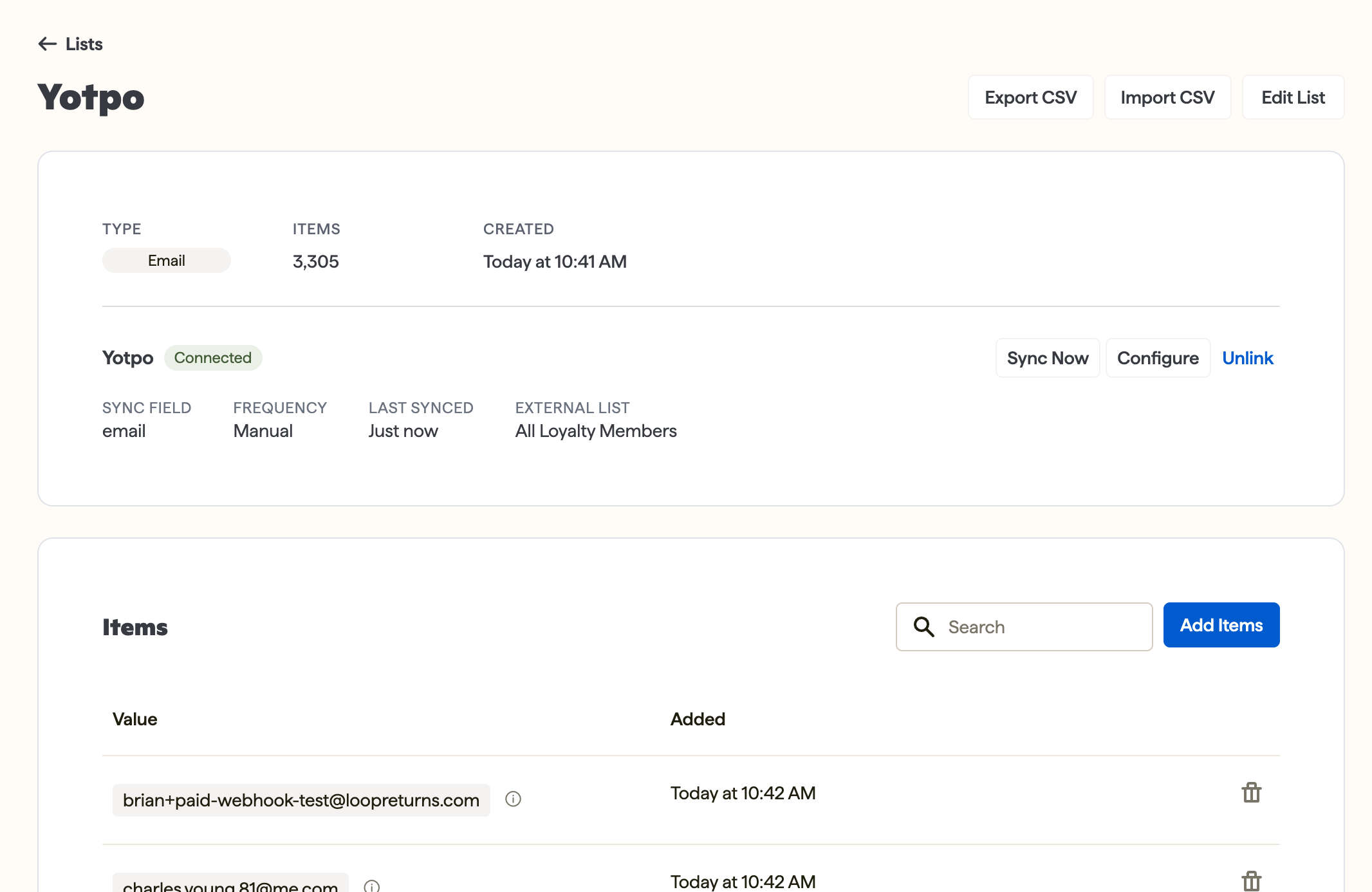
Note: Lists refresh on their own. There's no manual "sync now" step — Loop keeps the list current in the background.
Setup
Follow the steps below to connect Yotpo:
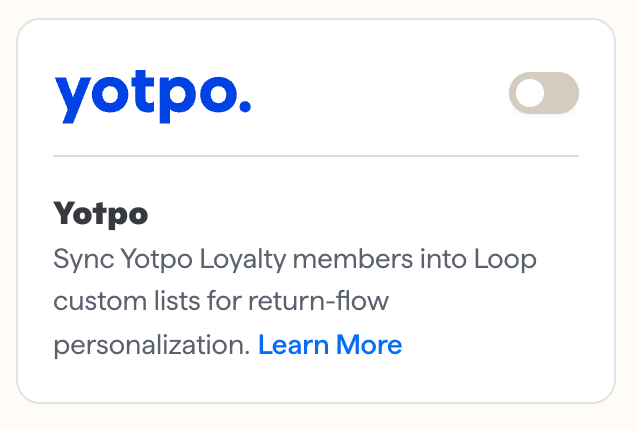
Navigate to Tools & Integrations > Yotpo, and click Connect.
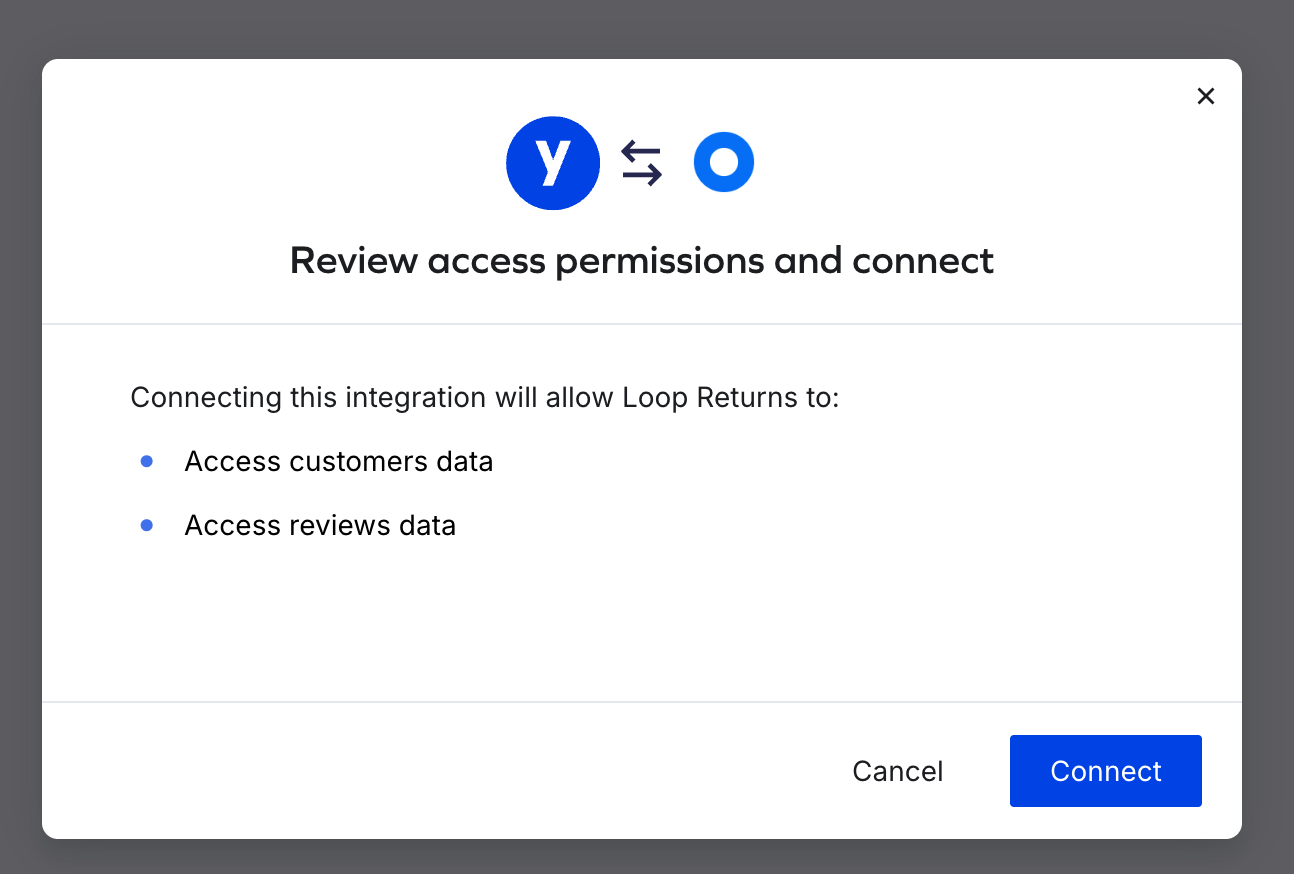
Complete the Yotpo OAuth authorization flow and confirm access. You'll be redirected back to Loop, and the integration will show as connected.
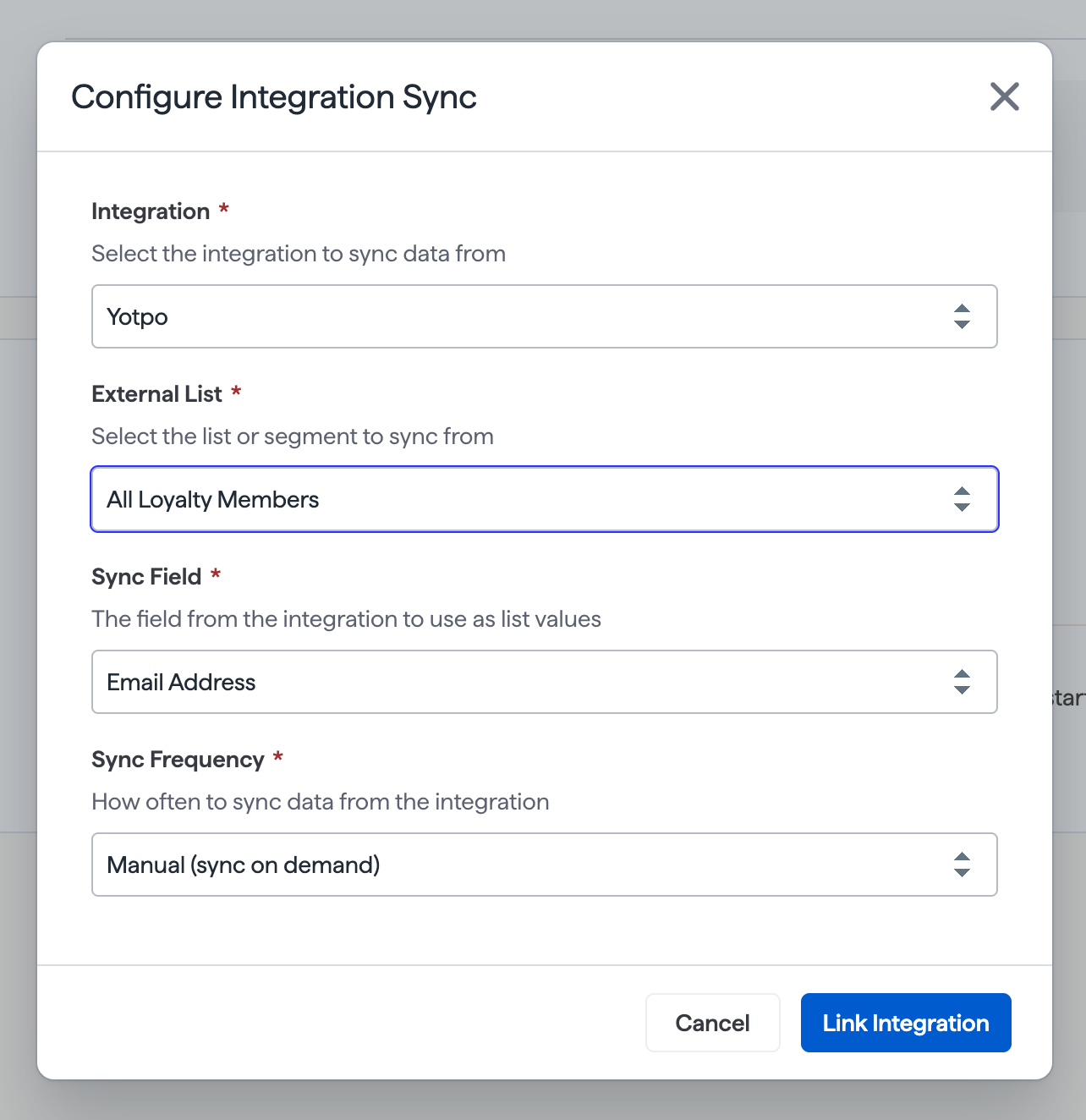
Go to Lists and click Create list. Choose Yotpo as the source.
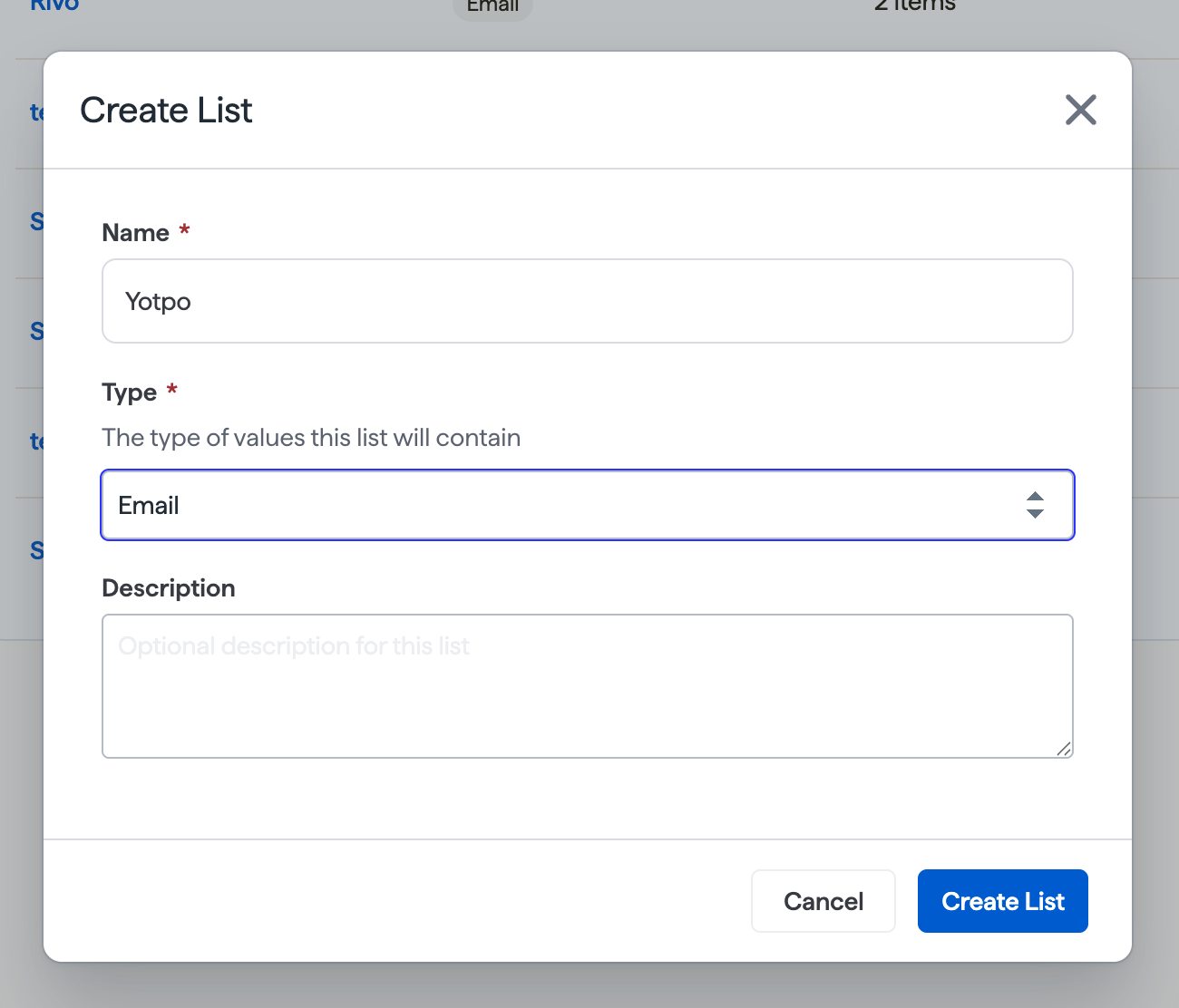
Choose a list type:
All Loyalty Members — customers who are opted into the Yotpo loyalty program
All Loyalty Customers — all customers Yotpo returns, opted in or not
Click Save. Loop will begin syncing the list in the background.
Important: If your shop previously connected to Yotpo using an API key, you'll need to disconnect and reconnect using OAuth — the old connection method is no longer supported.
Plan information
Please reach out to your Merchant Success Manager to find out if this feature is included in your plan.
FAQ
Do I need a Yotpo API key to connect?
No. The integration uses OAuth — you'll authorize the connection directly through Yotpo's Integrations Center, no API key needed.
What's the difference between "All Loyalty Members" and "All Loyalty Customers"?
All Loyalty Members includes only customers who are opted into your Yotpo loyalty program. All Loyalty Customers includes everyone Yotpo returns, regardless of opt-in status.
How often does my list refresh?
Automatically, in the background. There's no manual sync step.
Why isn't my VIP tier its own list?
VIP tier is available as metadata on each synced customer rather than as a separate list today. You can reference it when building Workflow conditions.
Please reach out to support@loopreturns.com with any additional questions.